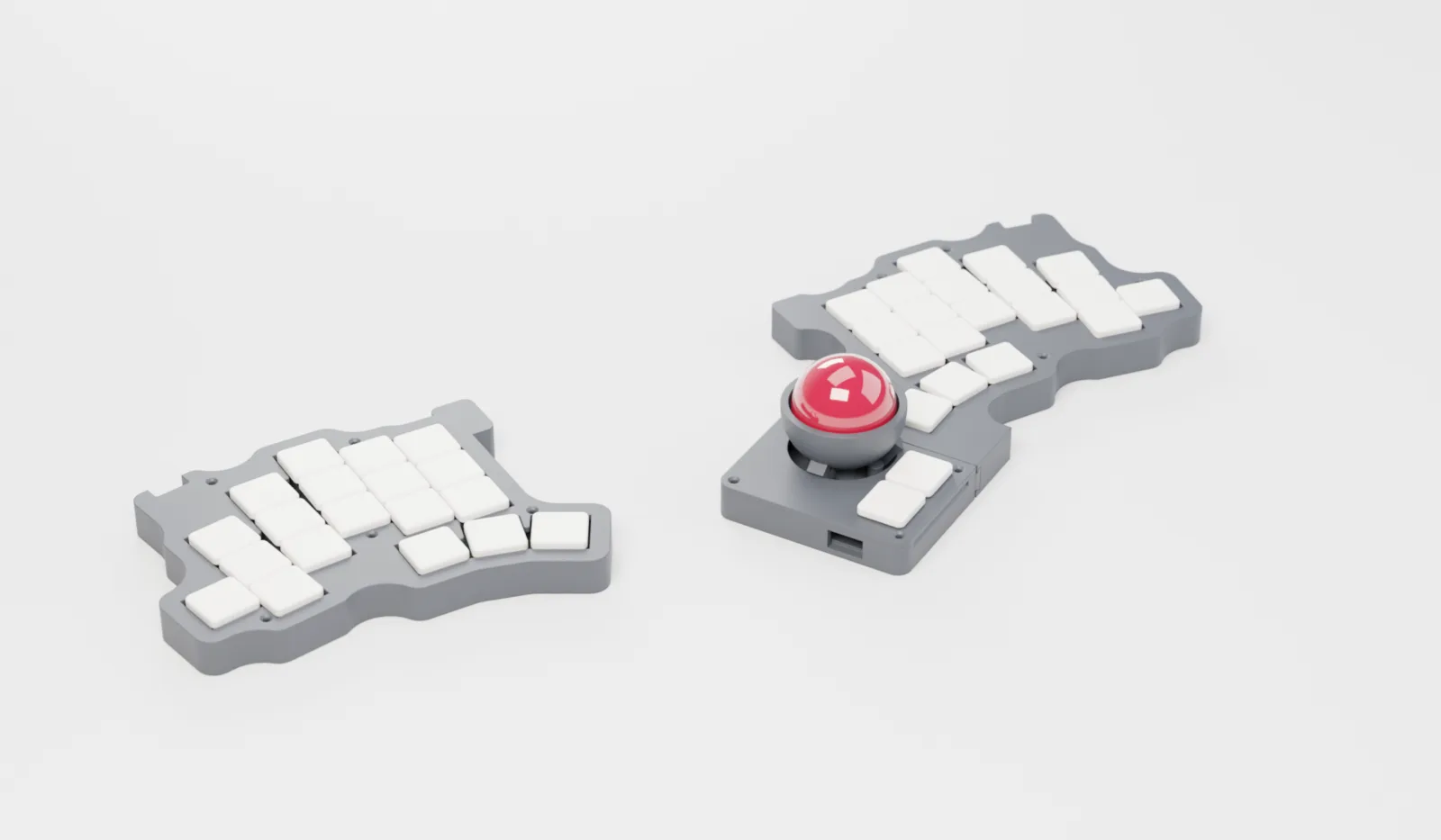
Tier 1 · PLA
- Brass heat-set inserts
- No supports on the rail
- Reprint any part in an hour
LAGOS · rev B
A 38-key split built on the TOTEM layout, with a slide-in bay right under your right thumb. Trackball, TrackPoint or touchpad: slide one in, feel the click, and point. Slide it out and keep typing.
One email when kits open. No spam. How the bay works →
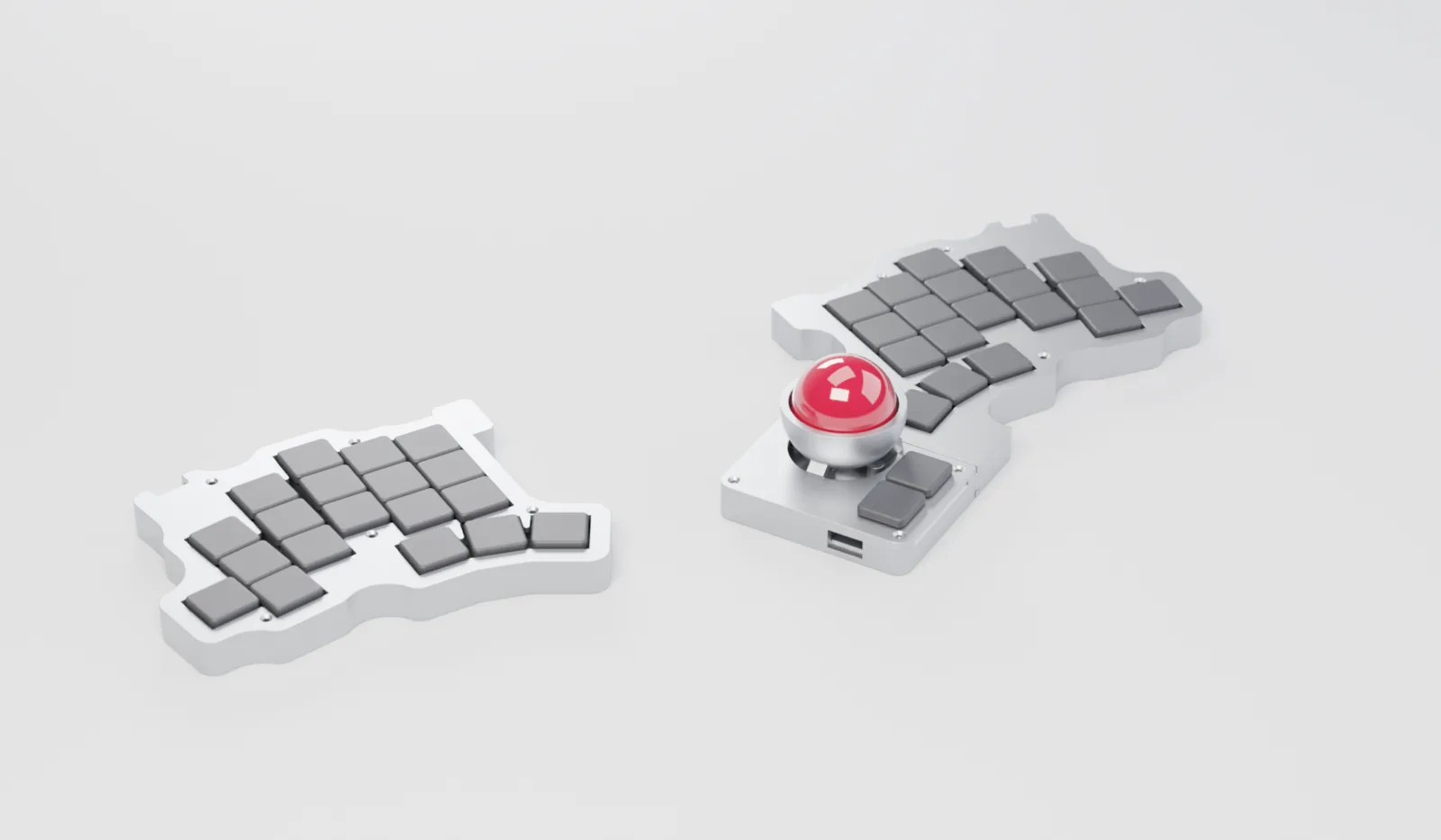
EXPLORE IN 3D
Drag to orbit, pinch or scroll to zoom. This is the real CAD model, the same one that gets printed.
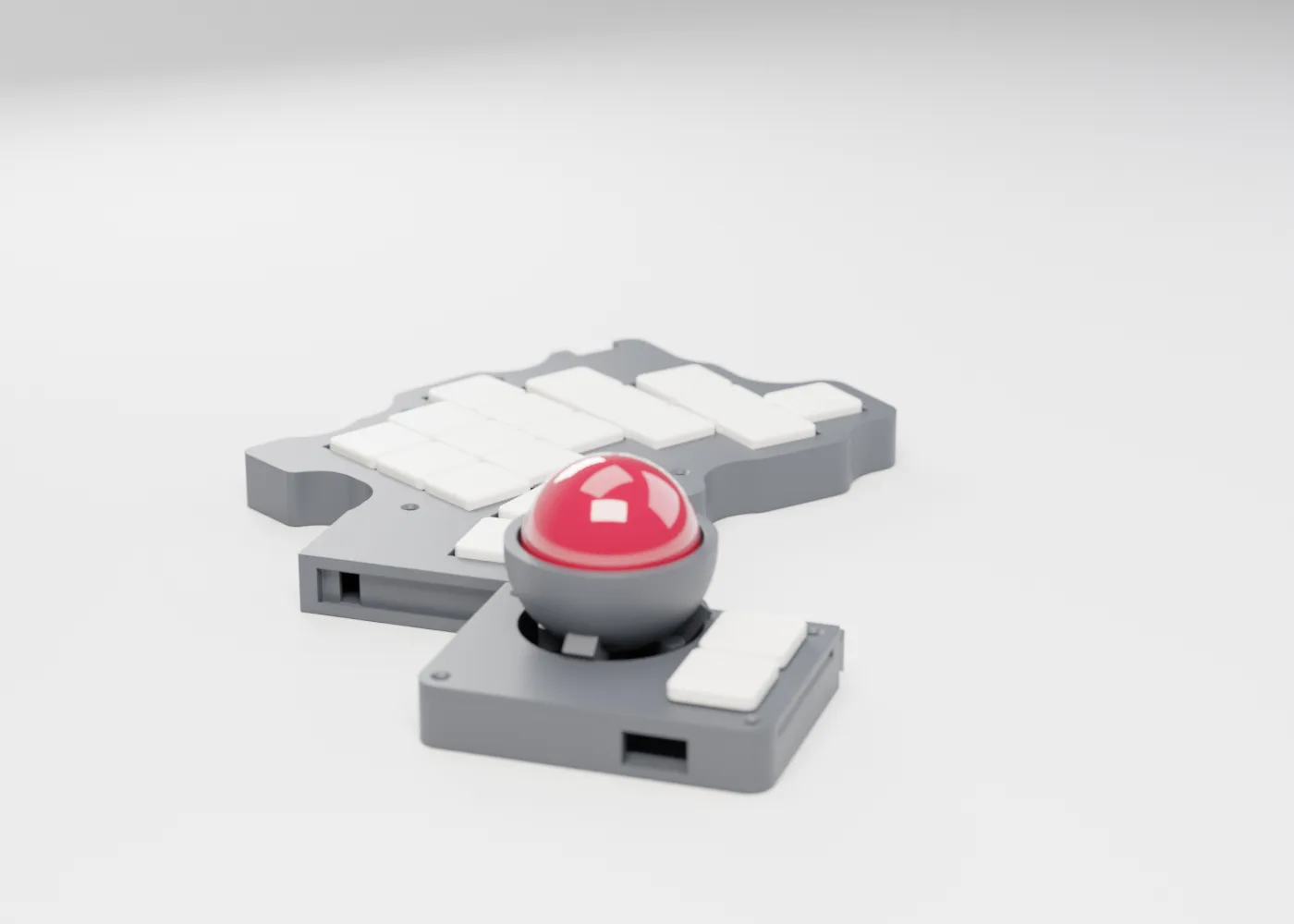
THE MITUS BAY
ATTACHMENTS
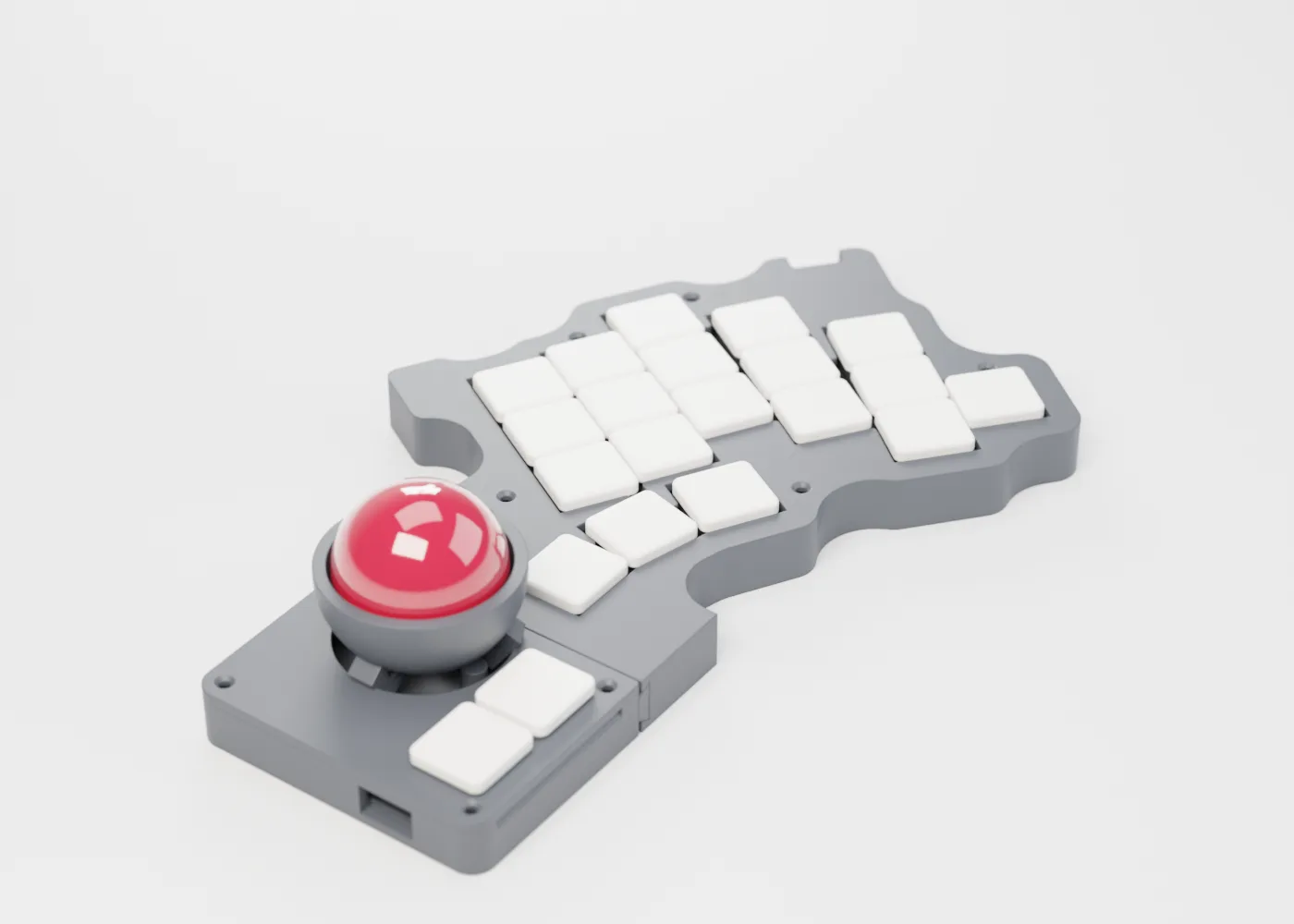
34 mm ball on three steel bearings over a PMW3360 sensor. Two choc clicks.
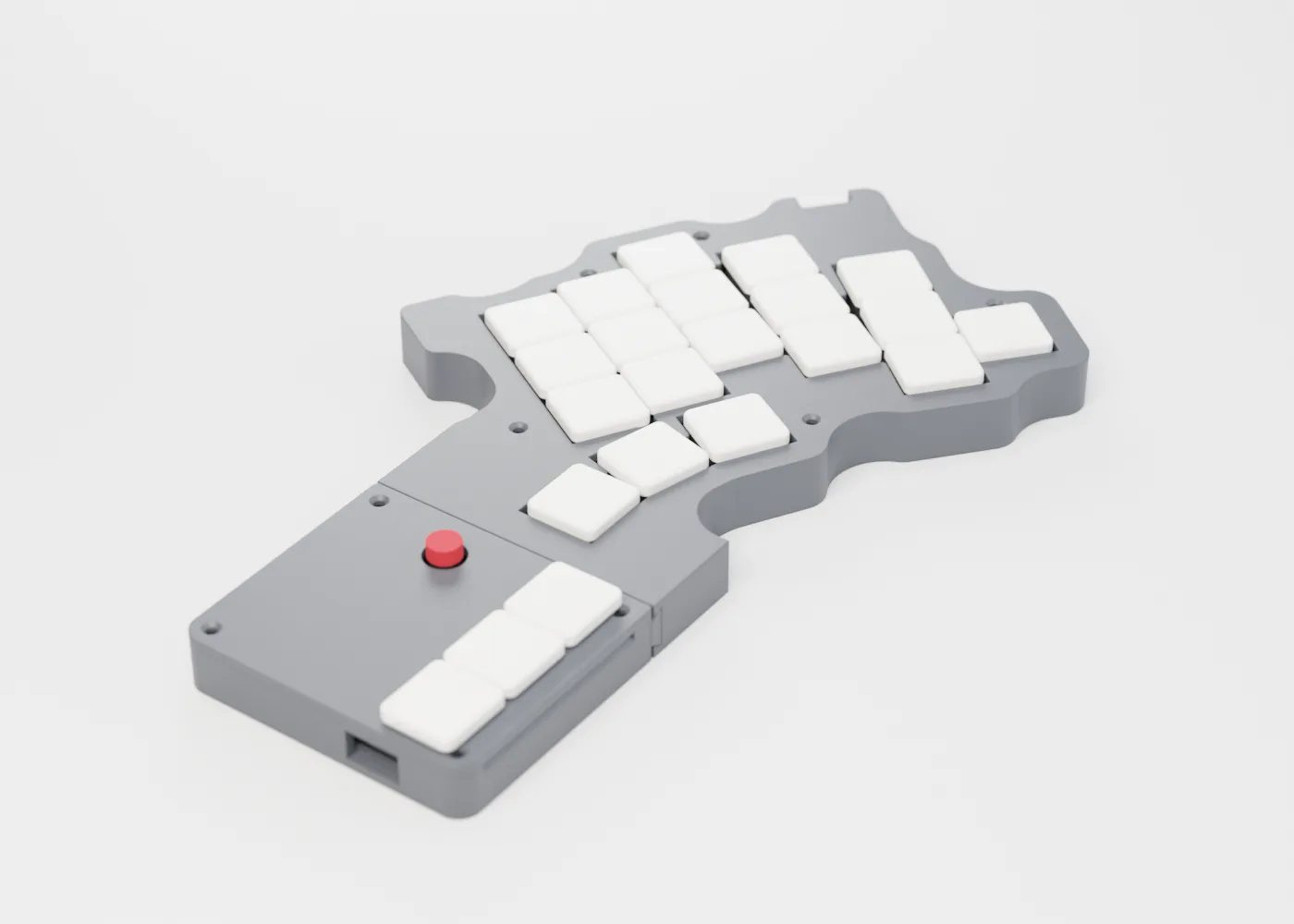
The red nub, salvaged from a Lenovo keyboard and mounted on an adapter plate. Three choc clicks, plus a scroll key on the mouse layer.
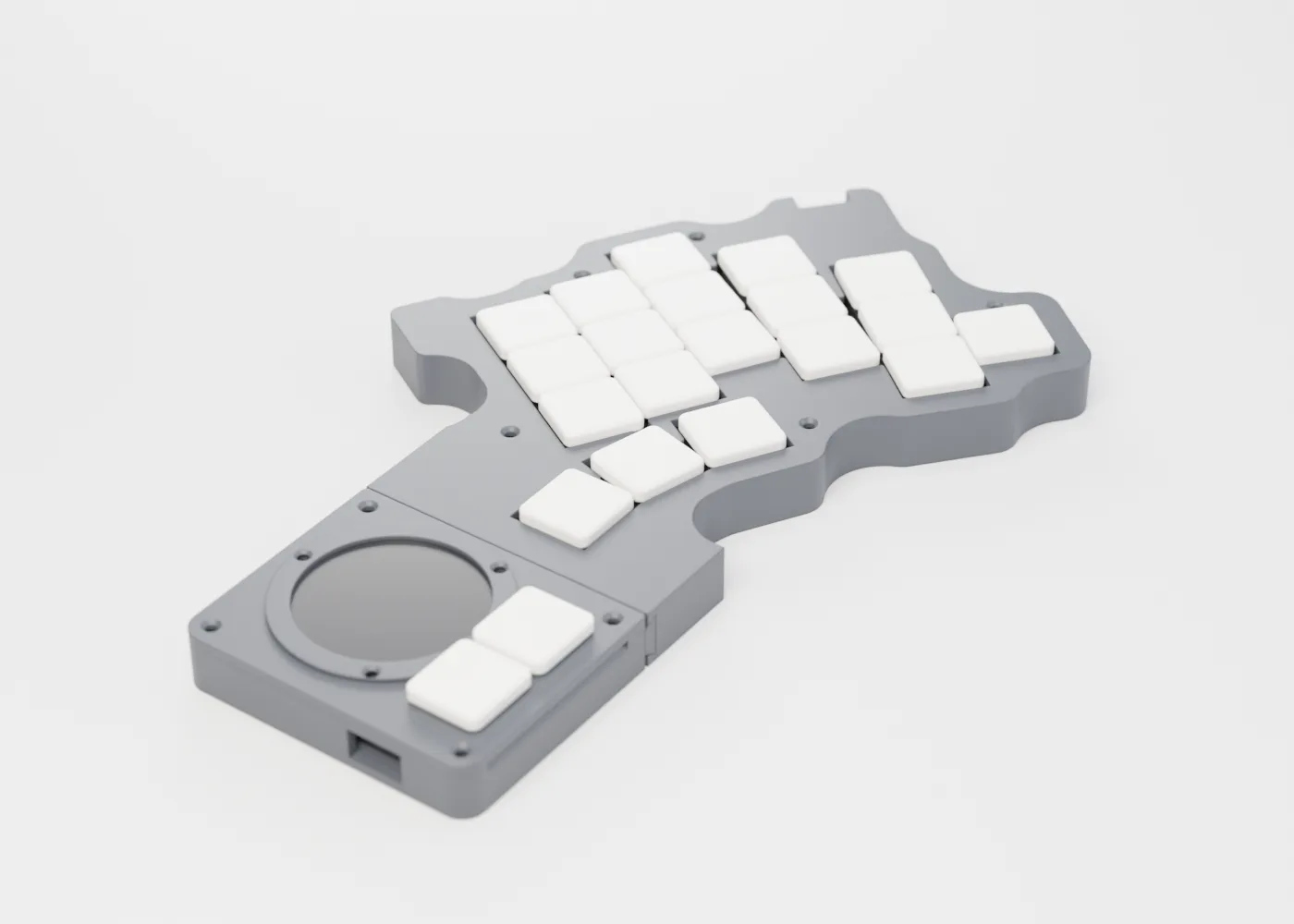
40 mm Cirque glass pad. Tap to click, two-finger tap to right-click, plus two choc clicks.
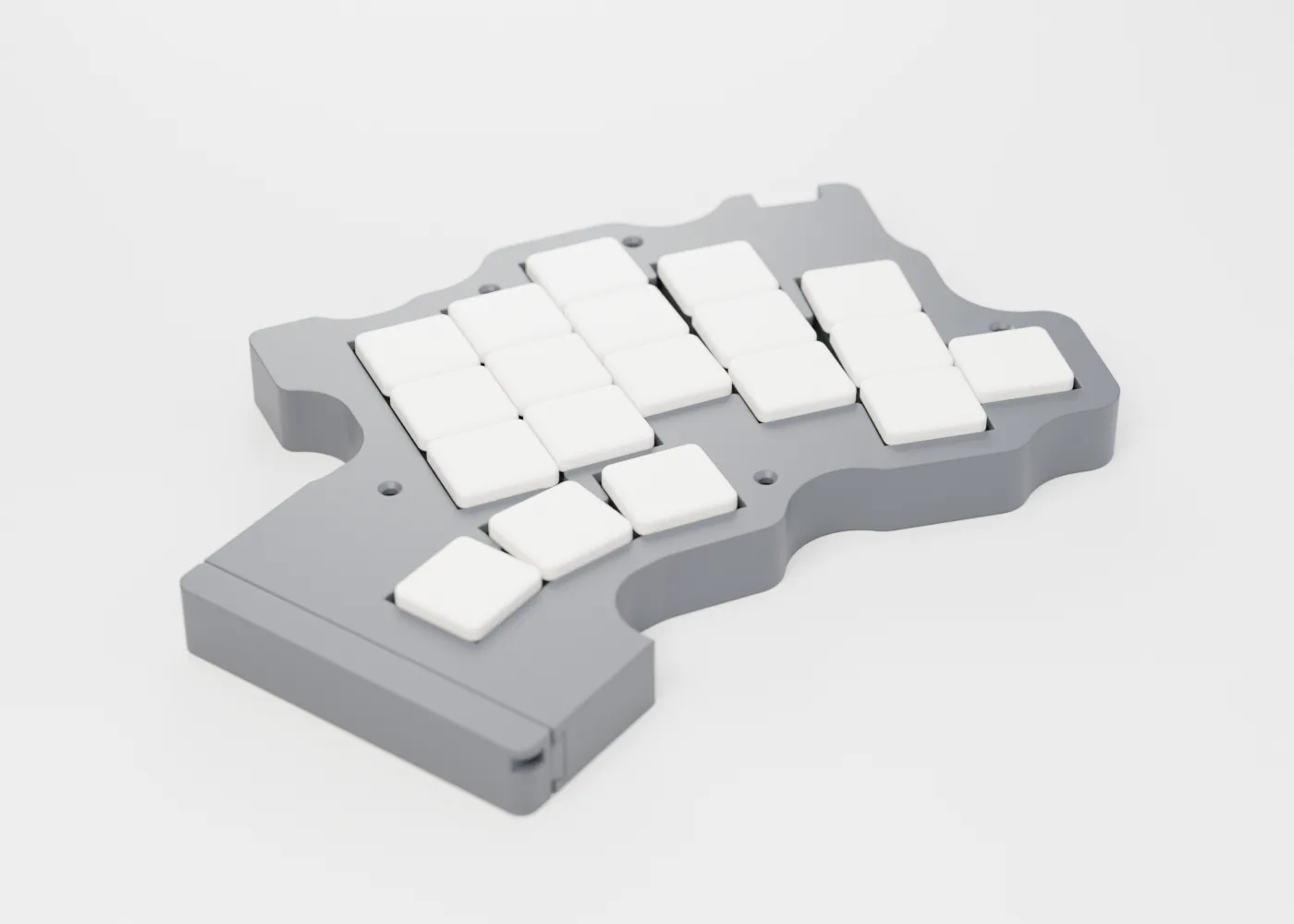
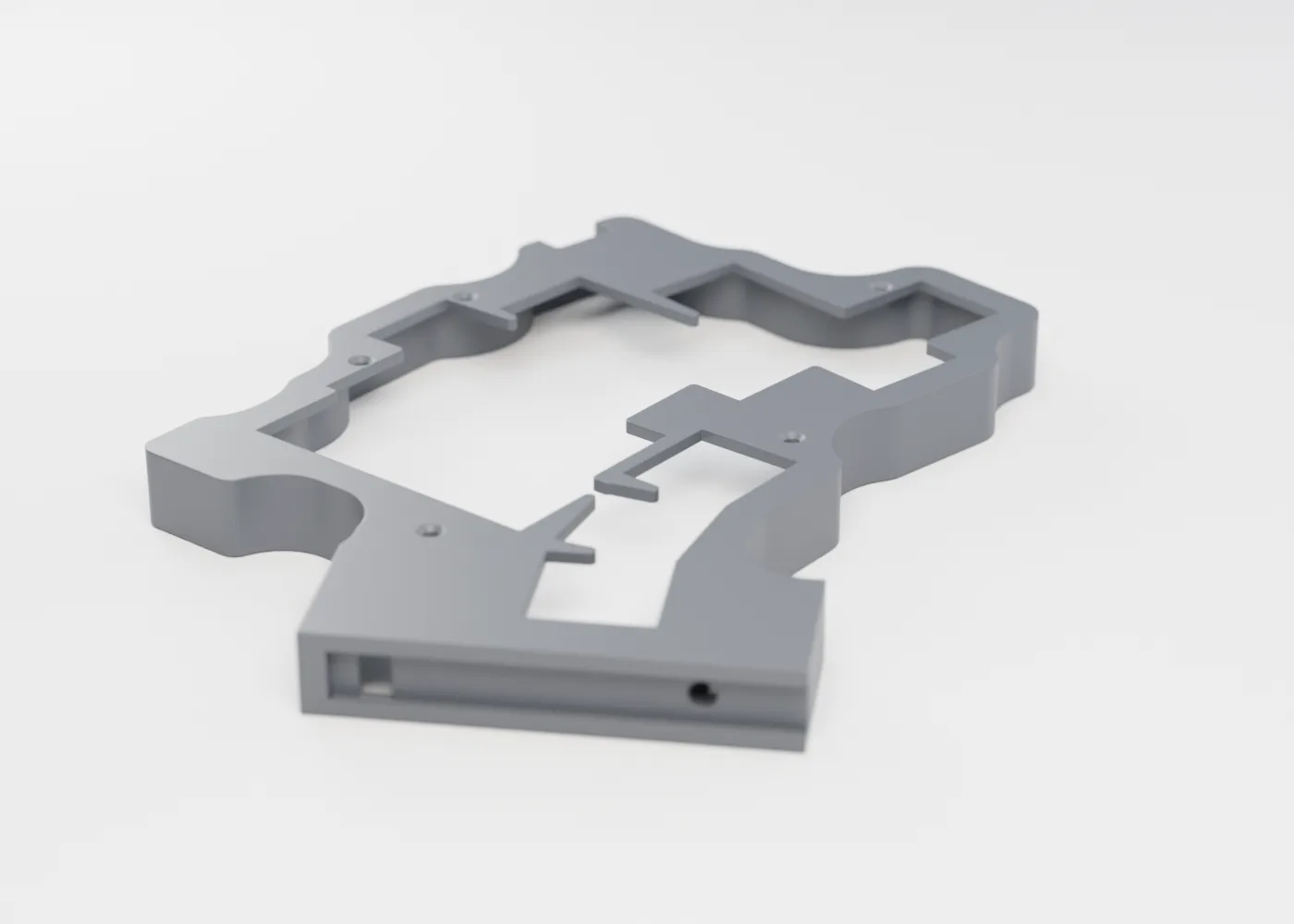
A flush cap for travel days. It is also the dovetail fit test you print first.
Every attachment also works on its own as a USB mouse: plug it into its USB-C port.
THREE TIERS · ONE GEOMETRY
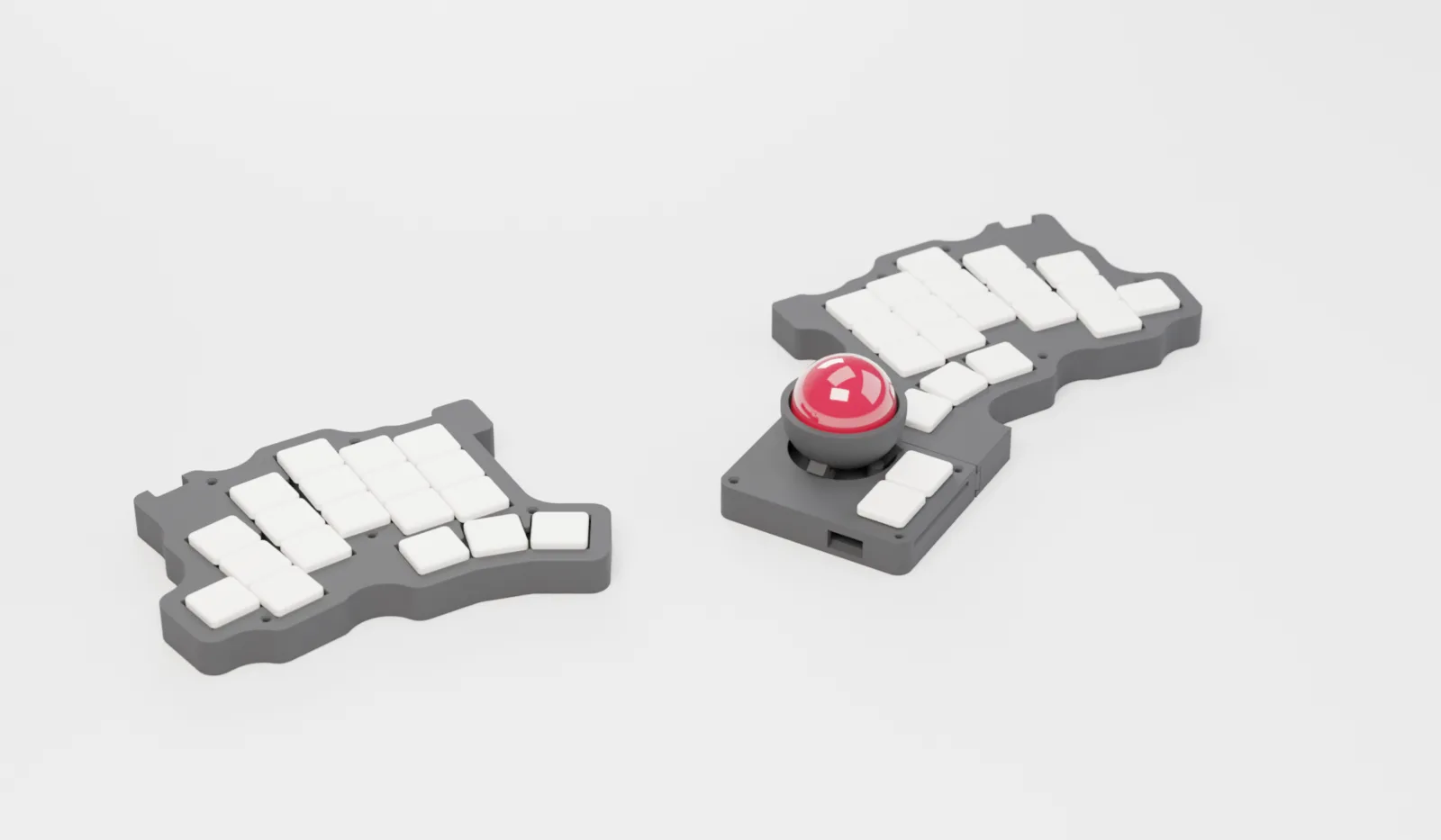
The outside is identical in every tier, so any attachment fits any Lagos.
BUILT TO BE OPENED
| Dead key | Hot-swap switch | 1 min |
| Dead half | Socketed RP2040, unplug and replace | 5 min |
| Flaky bay | Pogo board drops out of its card slots | 10 min |
| Loose detent | Turn the M3 plunger ¼ turn | 2 min |
| Cracked shell | Reprint from the published STEP | 1 h |
No glue. No single-use clips. One hex key. All threads in brass or steel.
LAYOUT
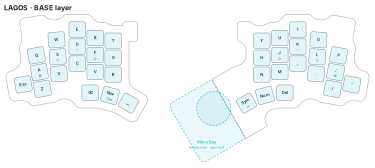
QMK with home-row mods. When the attachment moves, the home row turns into mouse buttons. Hold for scroll or precision. Each attachment gets its own RGB colour.
ELECTRONICS
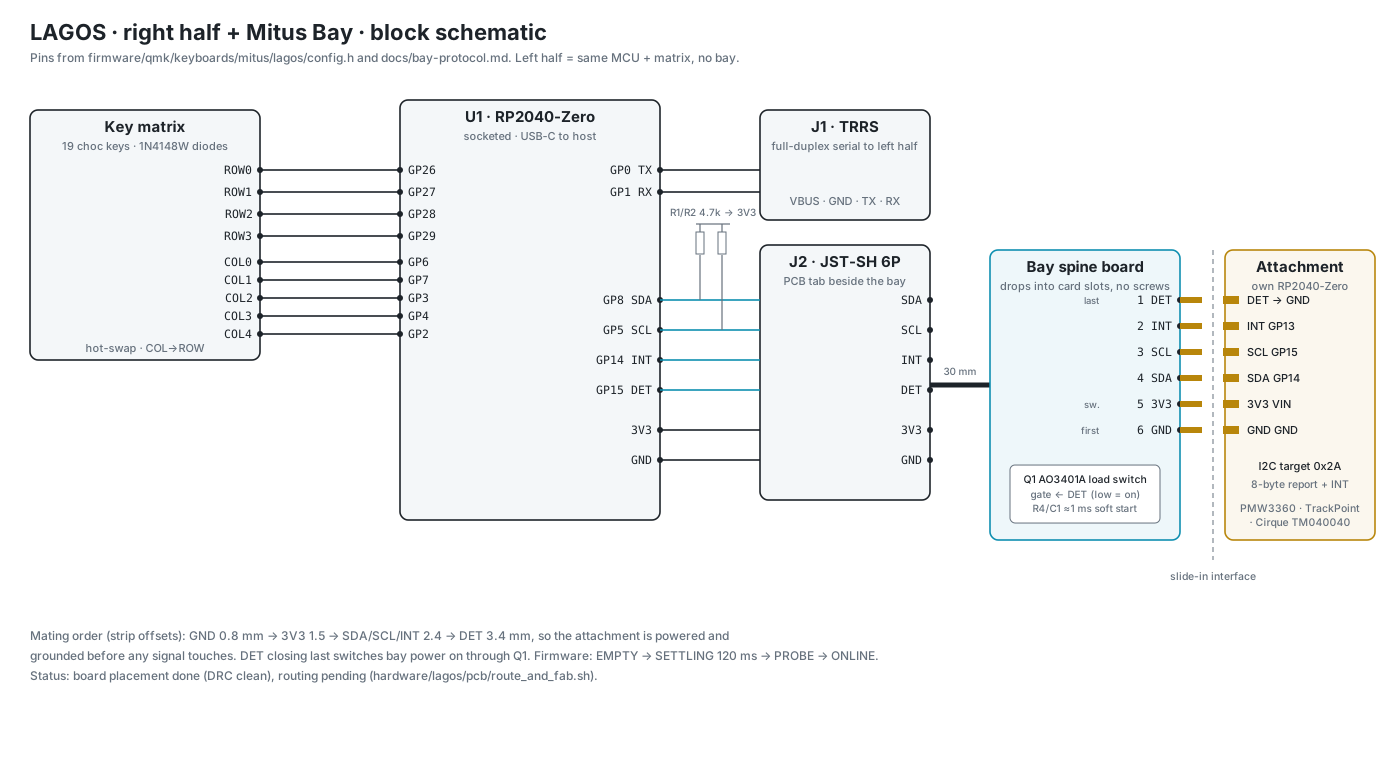
Right half + Mitus Bay. The left half is the same MCU and matrix, without the bay.
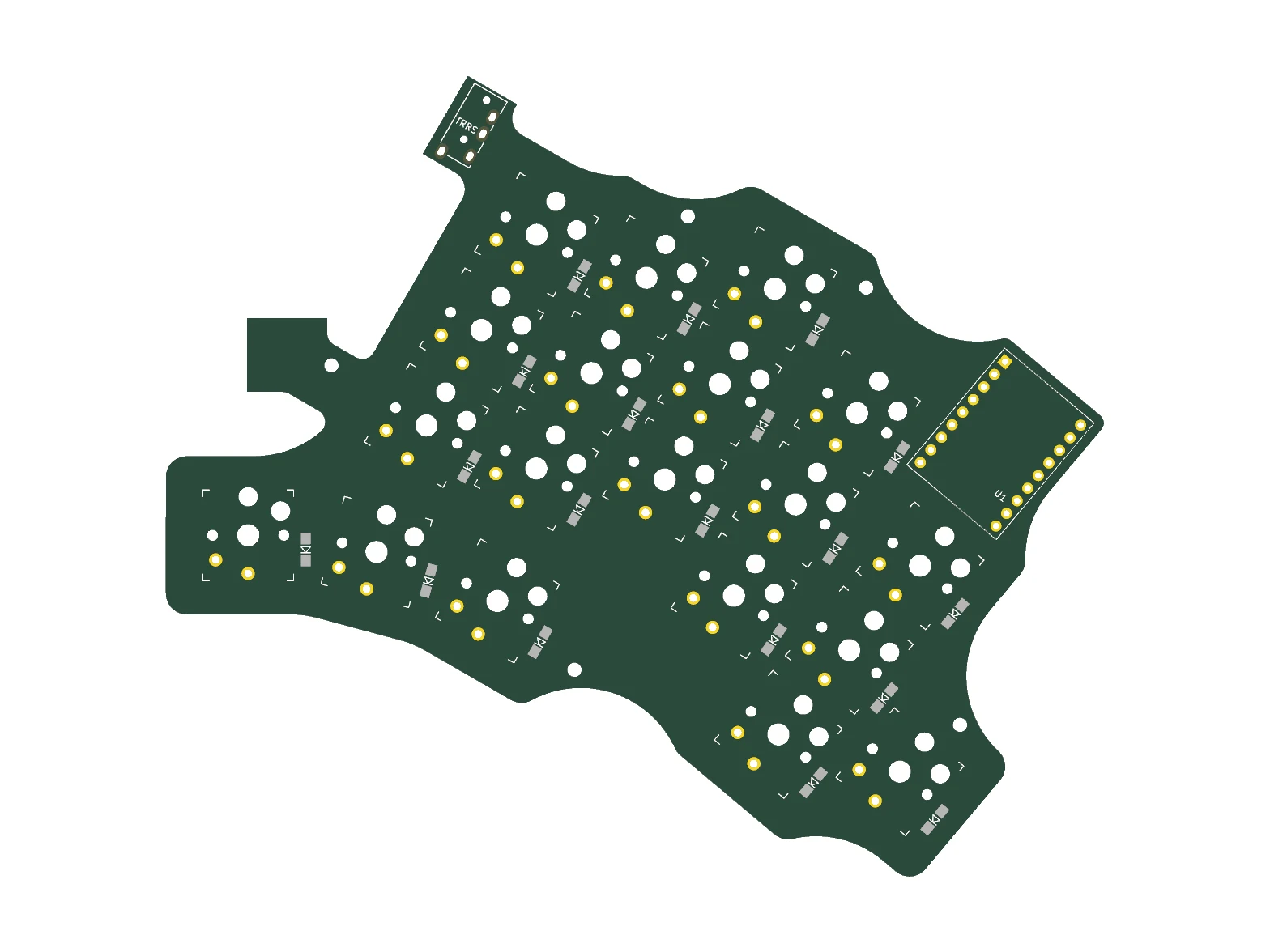
Right-half PCB, top: 19 hot-swap choc sockets, socketed RP2040-Zero, TRRS. Placement is DRC clean; routing in progress.
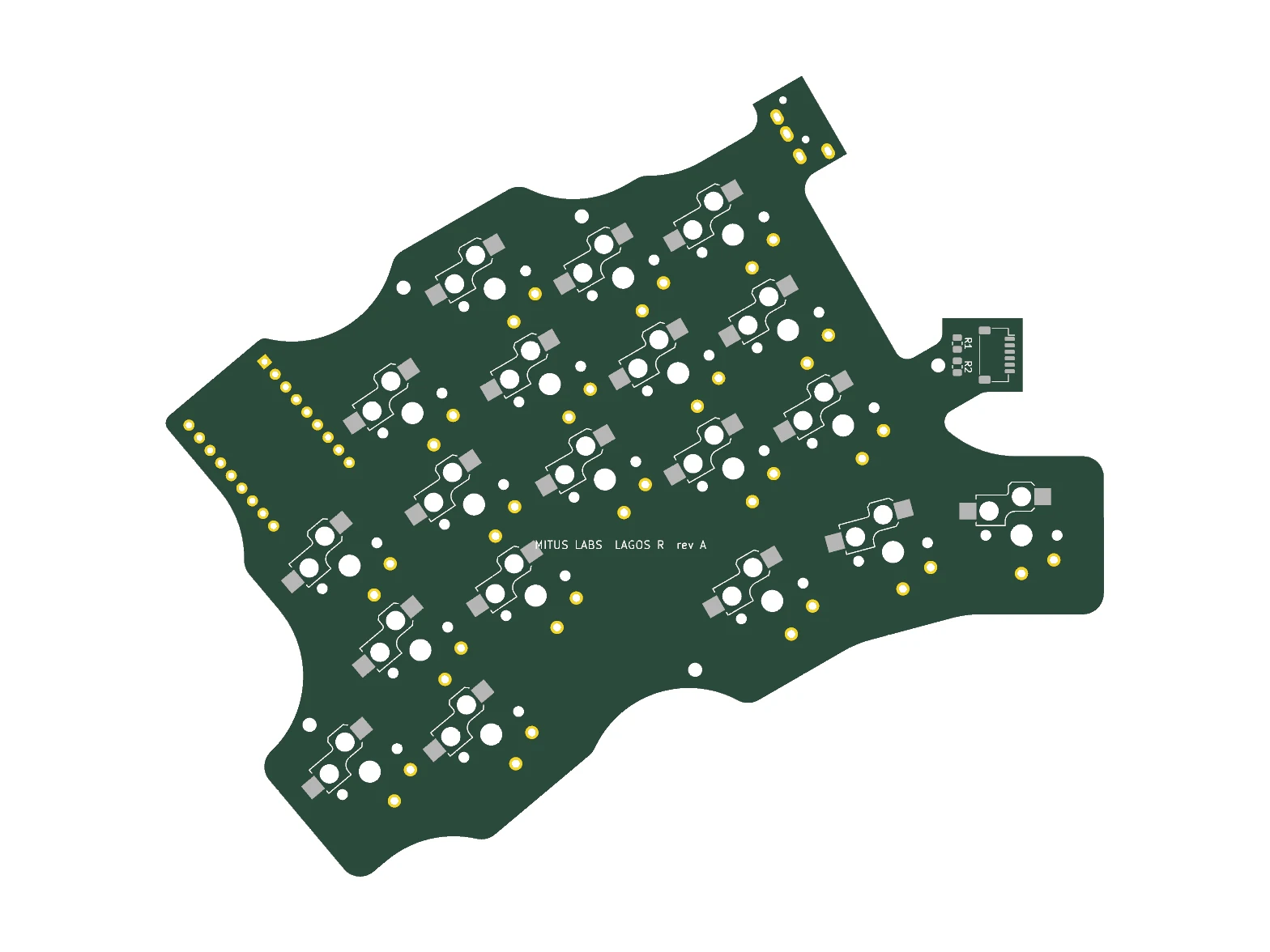
Right-half PCB, bottom.
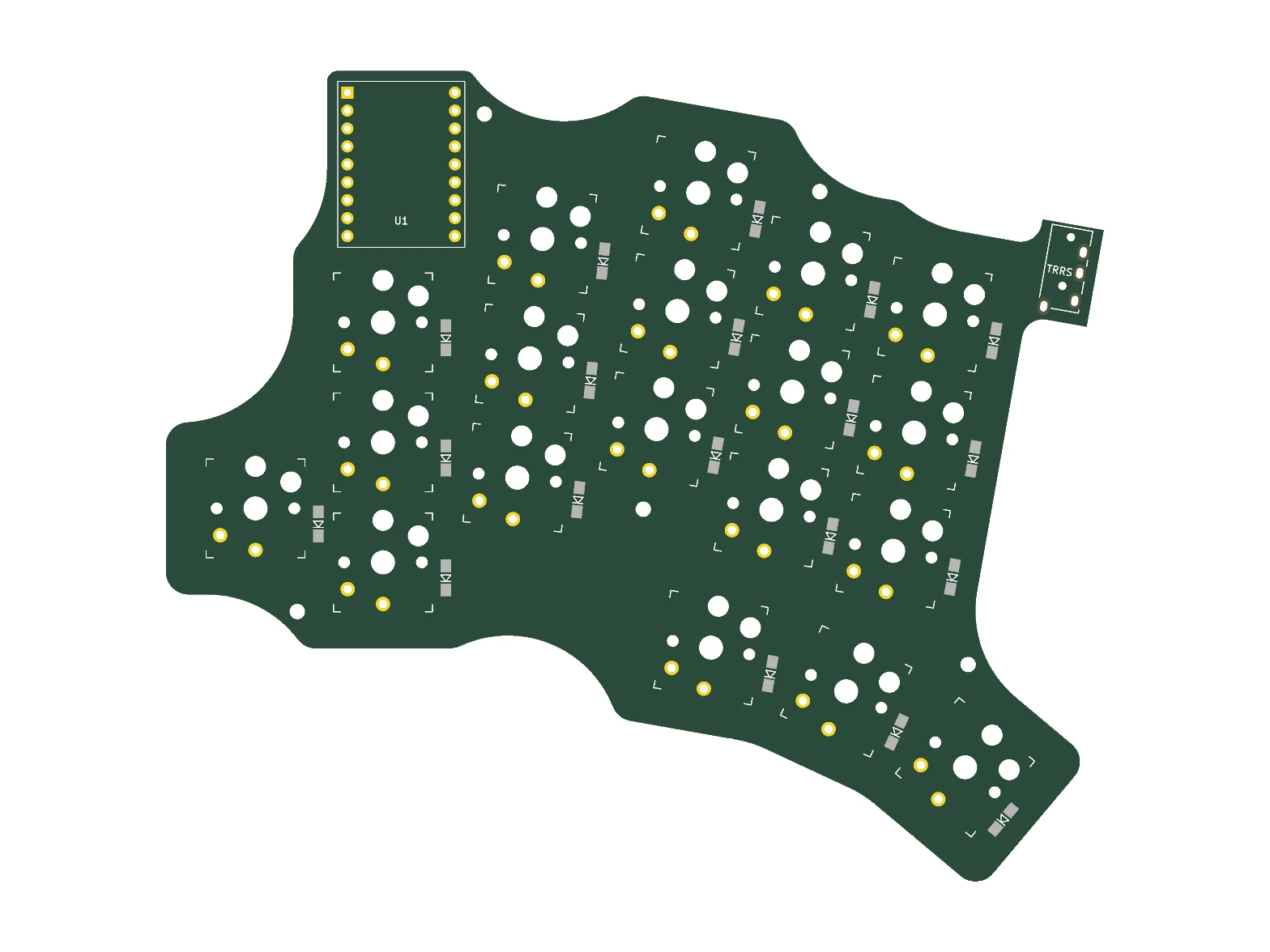
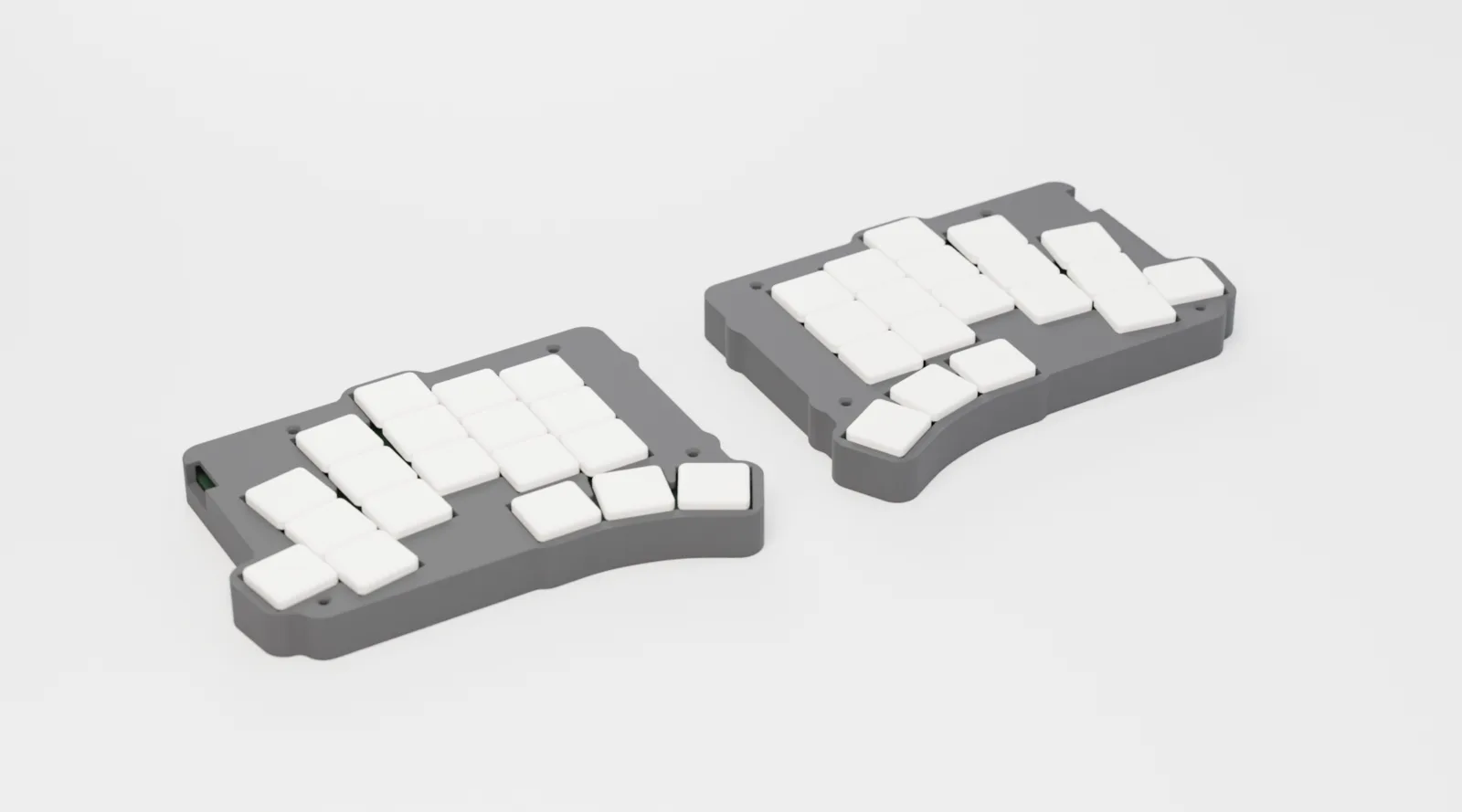
Left-half PCB, top: a mirror of the right, without the bay.
MINOS
Minos is our three-tier case for the stock TOTEM v0.3 PCB: same standoffs, same repair-first hardware, and the same PLA / nylon-carbon / steel choice. It drops onto the board you already built. No new electronics.
SPECS
Prototypes are being built now. Get one email when kits open, with no spam.